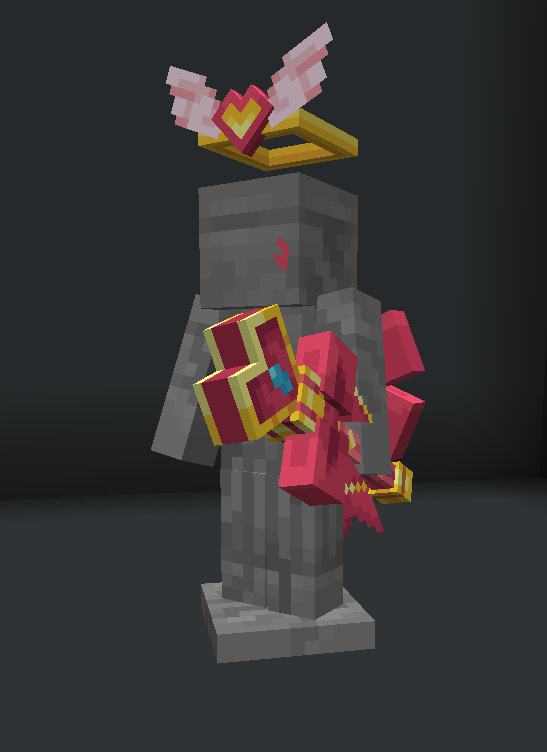
Why are the colors different from the cover?
If you purchased a product that includes the word “Dyeable” and open the raw model file, you may notice that the model appears in white or gray tones. This is normal behavior and does not indicate an issue. These areas are intentionally left in white/gray because they are the parts that support dyeing. If colors were applied directly to the model, the colors would become incorrect or distorted when dyeing is applied later. The correct colors (as shown in the cover image) have already been configured at the config level. Once you install and set up everything correctly, the model will display the same colors as shown on the cover image.
Raw Model
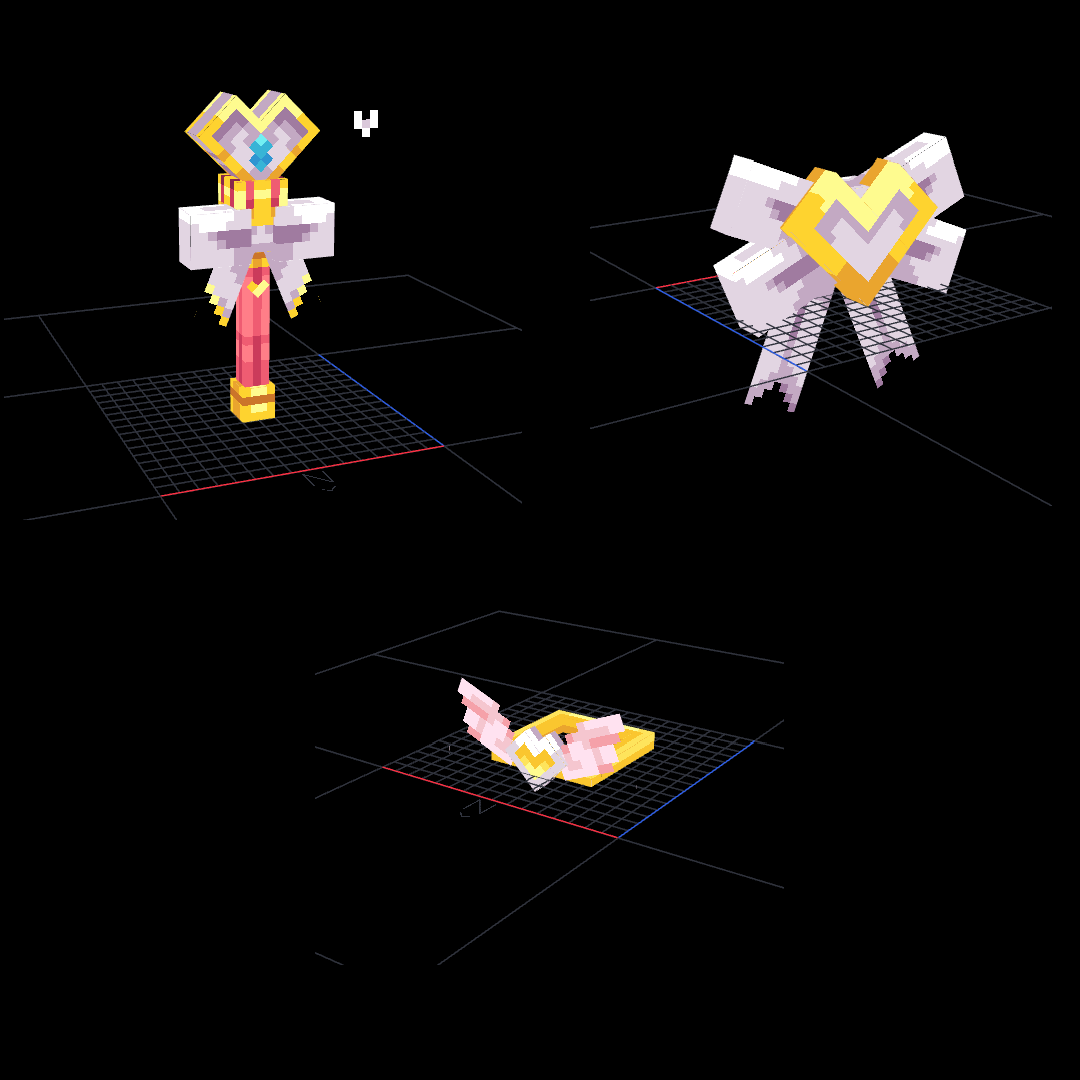
In game