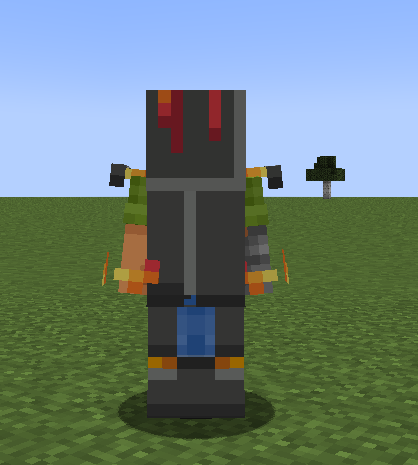
🧥 Textures cassées par les shaders Oraxen
Passez armor_resolution de 16 à 32.
Oraxen/settings.yml
CustomArmor:
  type: SHADER # Valid types are SHADER, TRIMS and NONE
  disable_leather_repair: true # Makes custom armor not repairable with leather, only with copies of said custom armor
  trims_settings:
    material_replacement: CHAINMAIL # Valid materials are CHAINMAIL, IRON, GOLD, DIAMOND, NETHERITE and LEATHER
    auto_assign_settings: true # If true, the trim & item-flag will be automatically assigned to the custom armor piece, unless specified
  shader_settings:
    type: FANCY # Valid types are FANCY and LESS_FANCY
    armor_resolution: 32 # 64x32 -> 16, 128x64 -> 32...
    animated_armor_framerate: 24
    generate_shader_compatible_armor: true
    generate_armor_shader_files: true
    generate_custom_armor_textures: true
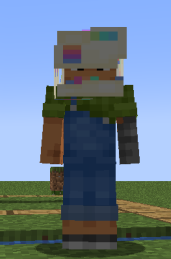
Le pack d'armure est en 16 mais utilise 32
- Cliquez pour ouvrir le lien
- Ouvrez le dossier
Oraxen\pack\textures\<pack-name>\armors - Convertissez les fichiers
*_armor_layer_1.pnget*_armor_layer_2.png - Enregistrez le fichier à son emplacement d'origine